
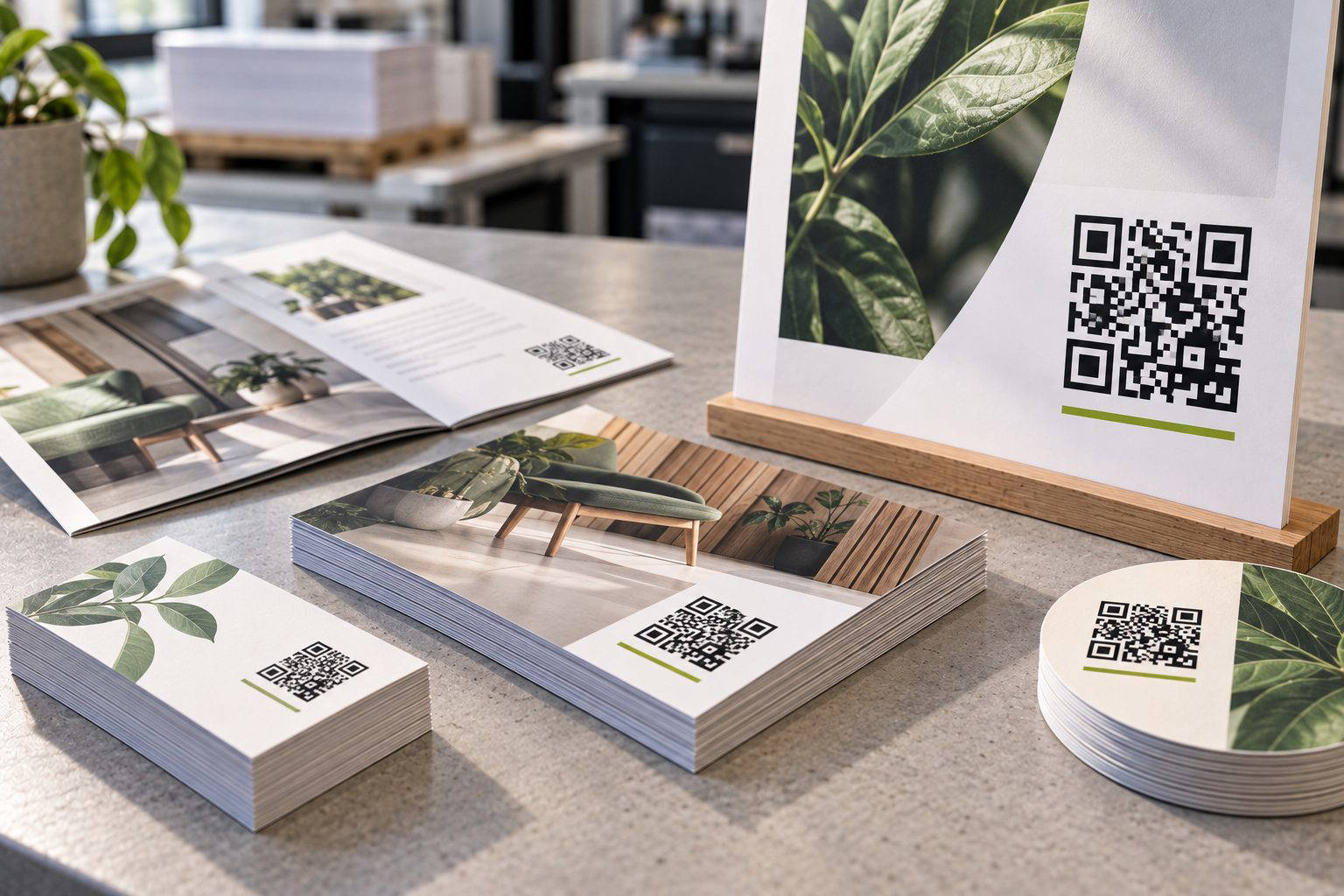
The right QR code size is not about making it as large as possible. It depends mainly on how far away someone will be when they scan it. A code on a business card is scanned at arm’s length. A code on an A1 poster might be scanned from a couple of metres away. Start with viewing distance, then compare your options by scannability, print limits, and where the code sits on the design.
Start with scanning distance and size
A reliable rule is to allow roughly 10 mm of QR code width for each 25 cm of scanning distance. In other words, if someone will scan from 1 metre away, aim for about 40 mm wide. From 2 metres, around 80 mm. This keeps the modules (the little squares) large enough for phone cameras to resolve quickly.
Real jobs follow this pattern. On folded A5 flyers handed out at events, we commonly see 25 to 30 mm codes scan instantly because people hold them close. For window posters intended to be scanned from the pavement, 60 to 90 mm is usually far more dependable, especially when the poster is behind glass and there are reflections.
Keep the code clear and sharp
With toner-based digital printing, dry toner is fused onto the surface of the sheet. That gives crisp edges, but very small QR codes can still fail if the modules become too fine. Fine modules are also more vulnerable to design choices like reversing the code out of a dark background or placing it over an image.
As a practical minimum for most jobs, avoid going below 20 mm wide unless the QR code is simple and you have tested it from the expected distance. If the QR code is dense (for example, it encodes a long URL instead of a short link), step up a size bracket. More data means smaller modules at the same overall size.
Common print sizes compared
The options below are like-for-like because they assume a standard square QR code, printed in solid black on a light background, with a clear quiet zone around it.
| QR code width | Best scanning distance | Typical use | Notes |
|---|---|---|---|
| 20 mm | Up to 0.5 m | Business cards, small labels | Use short links, keep the quiet zone generous |
| 30 mm | Up to 0.75 m | A6 postcards, menus | Good all-round size for hand-held pieces |
| 40 mm | Up to 1 m | A5 flyers, counter displays | More forgiving with busier layouts |
| 60 mm | Up to 1.5 m | A4 posters, window notices | Helps when scanning through glass or under mixed lighting |
| 80 to 100 mm | Up to 2.5 m | A3 to A1 posters, venue signage | Choose this when you cannot control how close people will get |
Use strong contrast and a clean finish
QR codes are read by contrast, not by brand colour accuracy. For most designs, set the code as 100% K (black) on a white or very pale background. Avoid building “black” from CMYK mixes because registration and screening can soften the edges. If you are supplying an RGB design file, export to a print PDF with the QR code preserved as vector where possible.
Finishes and textures matter too. On textured uncoated stocks, the surface can reduce perceived sharpness. The toner still fuses cleanly, but the micro-shadows from the texture can make small modules harder for a camera to interpret. If you love an uncoated feel, move up one size bracket.
Which size suits which job?
Choose 20 to 30 mm for hand-held items where scanning happens close up, such as business cards, appointment cards, and table menus. Use 40 to 60 mm for general marketing pieces like flyers, postcards, and A4 notices where you want quick scans without people fiddling. Go to 80 mm and above for posters and signage where scanning distance varies, or where glass, glare, and movement are likely. Whatever you choose, test with two different phones before you approve the artwork, and test at the real distance, not just at your desk.
Need help choosing the right QR code size?
Tell us what you are printing, where the QR code will appear and how far away people are likely to scan it. We can help you choose a practical size before you send the artwork. Talk through your project.