
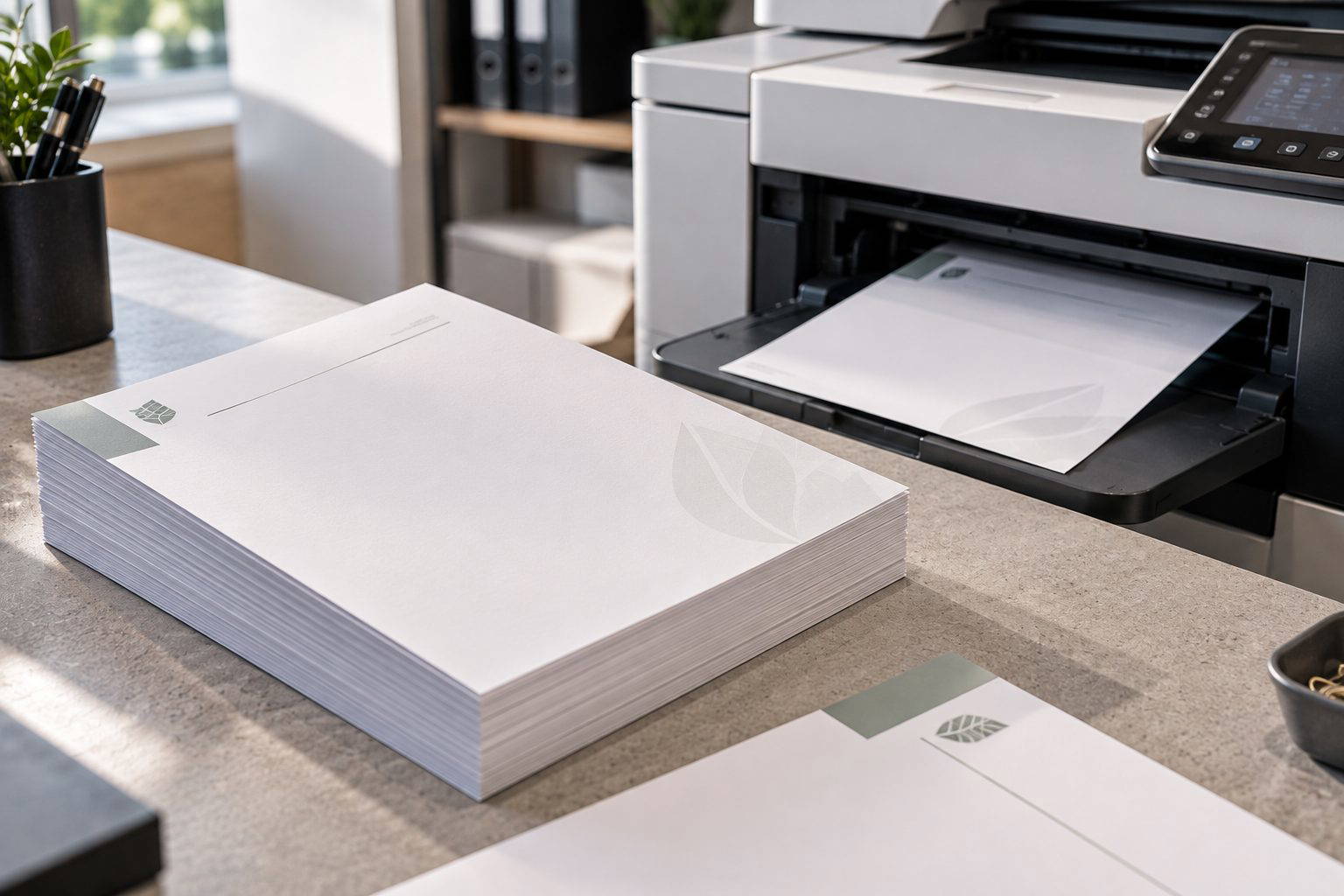
You want a letterhead that looks professional when it arrives, then runs back through your office printer without smudging, curling, or throwing off the alignment. The best results come from choosing paper that is flat, well finished, and compatible with your printer’s heat and feed path, while keeping the printed design clear of areas your machine needs to grip.
Start with the right paper weight and surface
For most office printers, 100gsm to 120gsm is the sweet spot. It feels more premium than standard copier paper, yet still feeds reliably through common trays and duplex units. Go much heavier and you can see more misfeeds and slight skew, especially on machines with tighter paper paths.
Surface matters just as much as weight. A smooth uncoated stock is usually the safest choice for overprinting. The initial print from Melbourne Print is produced using dry toner fused onto the surface, and a smoother sheet keeps that fused layer even and less prone to scuffing as it passes through rollers. A very textured uncoated paper can look lovely, but fine reverse text and thin lines may appear less crisp, and you may notice a touch more wear where the sheet is repeatedly handled.
Designing the letterhead so it overprints cleanly
Leave a generous clear area where your office printer will add names, addresses, and reference details. In real production, the most common issue we see is a background tint or logo too close to the overprint zone. Even when the overprint is black, a pale CMYK build behind it can reduce contrast and make text look softer.
Keep important elements away from the top edge and the first 10 to 15mm of the left edge where many printers grip and guide the sheet. If you have a solid block of colour, avoid placing it exactly where the rollers run, as repeated friction can mark any heavily covered area on uncoated paper. Fine rules at 0.25pt can also look uneven after an office printer pass, so use slightly stronger line weights for anything that must remain visible.
Understanding office printer heat and handling
Most office laser devices use heat to fuse their toner to the sheet. That heat, combined with the pressure of the fuser, can encourage curl if the paper is too light, too damp, or has been stored loosely. We have seen cases where a 90gsm letterhead stored near a radiator fed perfectly for a week, then started to curl at the leading edge and misregister in the duplex unit. The same artwork on 120gsm, stored flat in its wrapper, ran consistently.
If you are overprinting variable data, consistent sheet flatness is what protects your alignment. Even a 1mm drift becomes obvious when names are meant to sit neatly under a pre-printed header. Smooth uncoated stocks typically stay flatter and give sharper office overprint results than heavily textured options.
Colour choices that stay readable after overprinting
For a clean, modern look, keep most body text black and reserve colour for your logo and small accents. If you are supplying artwork, build blacks sensibly. For small text and thin lines, 100% K is often best to avoid any colour fringing. For large black areas, a rich black CMYK build can look deeper, but it should be used carefully so it does not dominate the page.
On screen, RGB previews can look brighter than the printed result, so it helps to approve a printed proof if you are working with subtle greys or pale tints.
Points to check before you order
Confirm your printer type and whether you will duplex. Check the paper specification your device supports, then choose a smooth uncoated 100gsm to 120gsm sheet as a starting point. Make sure the overprint zone is clear, with comfortable margins. Store the letterheads flat, in their wrapper, at room temperature. If you can, run a short test through your office printer before committing to a large volume, especially if your design uses heavy coverage near the top edge.
Need letterheads that will overprint cleanly in your office?
Tell us what you need the finished which letterheads are best for overprinting in your office printer? to achieve. We will help you narrow down the most practical specification. Talk through your project.